.svg)

Your Passport Is Going Digital: How Apple Wallet Is Changing TSA Travel

%20(1).svg)
Digital identity has gradually transformed how people travel, and now Apple has taken a giant leap further: U.S. travelers can store their passport directly in the Apple Wallet on an iPhone or Apple Watch for use at select TSA checkpoints. It arrives with the country moving toward stricter identification requirements and should go a long way in making domestic travels easier, quicker, and more secure.
Not sure how exactly digital passports work, what their limitations are, or whether they are worth using? This guide will break it all down.
A New Chapter in Mobile Identification
Apple Wallet already supports boarding passes, credit cards, transit passes, and some state-issued digital driver's licenses. Adding passports expands that ecosystem significantly. Instead of pulling out a physical booklet, one can present a secure digital version with just a quick tap of their device.
It works through identity-verified credentials that TSA scanners can authenticate in a matter of seconds. According to Apple, the credential isn't a photo of your passport, it's a cryptographically verified ID meant for airport checkpoints.
The rollout echoes similar features in Google Wallet, which has supported passport storage in certain regions, though Apple's is aimed squarely at forthcoming Real ID requirements within the United States.
Why This Update Arrives at the Perfect Time
The federal government has spent years gearing up for the Real ID enforcement deadline, which requires domestic travelers to show a Real ID compliant driver’s license or another approved form of identification.
Not everyone has upgraded to a Real ID; many rely on a passport instead.
The digital passport provides a benefit for those travelers where carrying the actual document on a short domestic journey is unnecessary. One of the most common fears among occasional travelers is the loss of a passport; keeping it digitally, safely stored on a device that is seldom lost, is a major convenience.
How the Digital Passport Feature Works
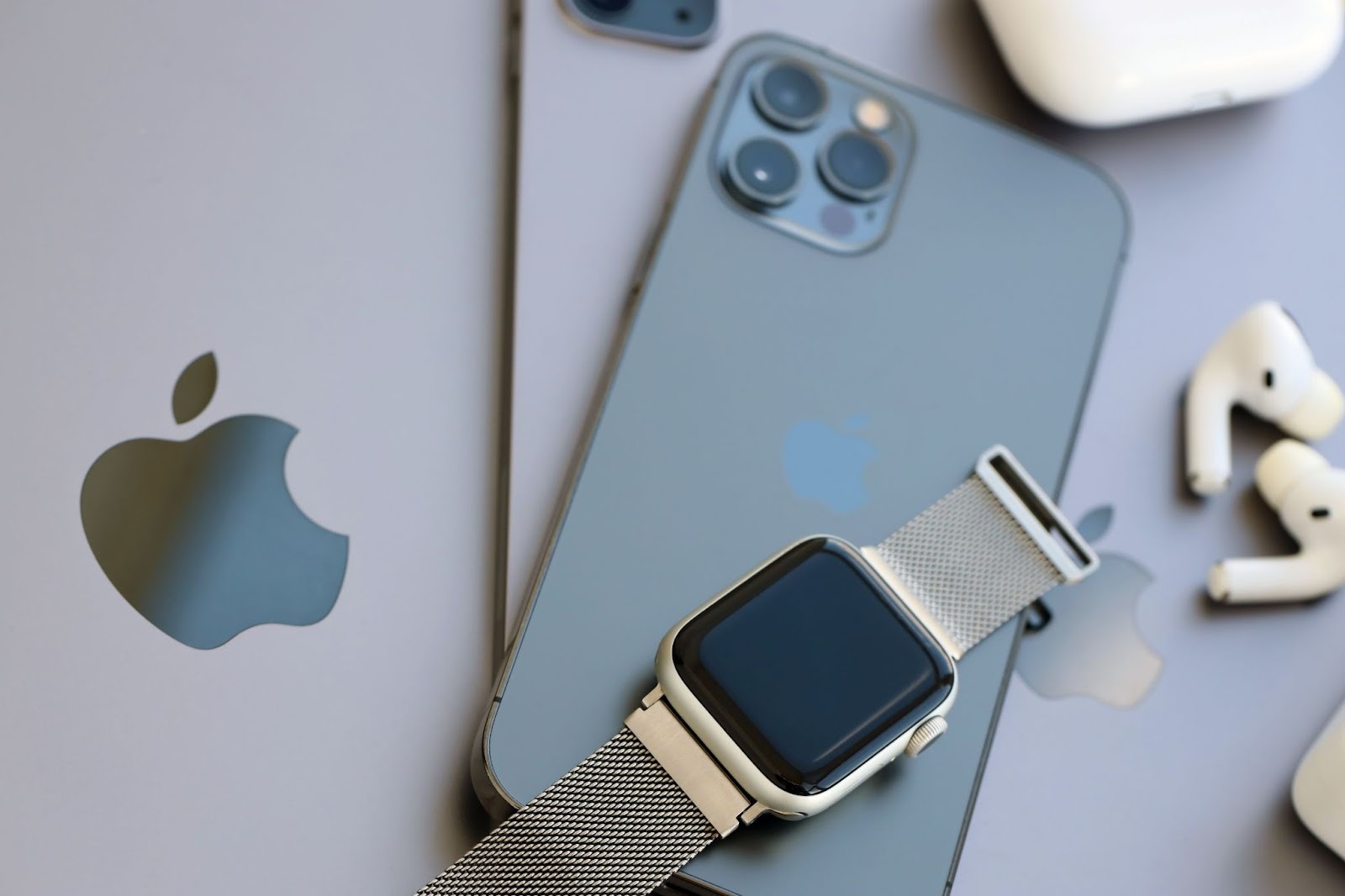
Apple designed the process to be easy, intuitive, and secure: a passport added to Apple Wallet becomes part of a digital ID profile with all the same encryption and biometric protections the Wallet uses.
It looks like this at TSA checkpoints:
- Bring your iPhone or Apple Watch close to the supported identity reader.
- Authenticate with Face ID or Touch ID.
- Approve the specific information that you want to make public.
- Walk through security-no booklet required.
Only the TSA gets the identity information needed to confirm who you are. Apple doesn't get that information, nor is any of it stored in the cloud.
It's a one-way, encrypted exchange, which gives travelers control over what they share every time they use this feature.
What the Digital Passport Can and Can’t Do
While the new feature introduces a major convenience, it is not designed to replace the physical passport entirely.
Where the digital passport works
- TSA identity verification at participating U.S. airports
- Domestic travel security checkpoints
- Scenarios where TSA currently accepts mobile identity documents
Where it does not work.
- International flights
- Immigration and customs
- Re-entry into the U.S.
- Global Entry kiosks
Your physical passport is still required in all cross-border contexts. In other words, the digital passport is a domestic travel tool, not an international one.
TSA's Rapid Adoption of Digital ID Technology
Over the past two years, TSA has been aggressively expanding support for mobile IDs. Enhanced CAT-2 verification systems deployed in many major airports today are able to scan mobile driver's licenses and other digital identity credentials.
The addition of digital passports fits perfectly into this shift. It also plays nicely with services like CLEAR, where members already depend on biometric identity verification instead of presenting physical documents in most situations.
Additional airports will be able to support mobile passport credentials as TSA continues to integrate digital verification capabilities. Early expansion will likely appear at major hubs such as:
- Atlanta (ATL)
- Dallas Fort Worth (DFW)
- Denver (DEN)
- Los Angeles (LAX)
- New York (JFK/LGA)
Security, Privacy, and Data Protection
Multiple layers of security are embedded in Apple's identity features. For travelers who are conscious about privacy, the digital passport may actually be more secure than carrying the physical booklet.
Key protections include:
- On-device storage only: The credential never leaves your device.
- Biometric access: Only the device owner can authorise use.
- Selective data sharing: You decide what information TSA receives.
- Encrypted transfers: Data is protected end-to-end.
- Remote device control: If your phone is lost, you can disable Wallet contents via Find My Wallet
A physical passport can be lost, stolen, or left behind unintentionally. The security advantages in a digital passport reduce those risks.
Who will Benefit Most from the Apple Wallet Passports?
While frequent flyers may still prefer having their physical passport on hand, several groups can reap immediate value from Apple's new feature.
1. Domestic Travelers Using a Passport as Real ID Many people have been using the passport since they never updated their driver's license, and now they will be able to travel without carrying the booklet with them.
2. Carry-On-Only Travelers Light travelers not checking any bags tend to avoid carrying any extra documents or wallets.
3. Apple Watch Users Verification through a wrist tap at TSA checkpoints is lightyears beyond convenience.
4. CLEAR Members The integration naturally aligns with CLEAR's identity-first approach and may ease multi-step verification.
5. Tech-savvy travelers Any person who is accustomed to mobile boarding passes, digital hotel keys, or contactless payments will find it easy to transition into.
Will Travelers Actually Adopt It?
Early reactions show a divide: where many tourists appreciate the convenience-especially the ones who often forget or misplace documents-others, particularly seasoned international travelers, say they will still carry on with carrying their passport no matter what.
Other sticking points include battery concerns: even though TSA officers could still verify identity through other means should a phone die, some people may simply feel safer carrying both the physical and digital versions.
What's clear is that digital identity is now a permanent feature of modern travel, and the Apple Wallet passport is a big step toward normalizing the technology.
Looking Ahead: What This Means for the Future of Travel
Apple's digital passport rollout means the next decade of travel will be increasingly paperless.
An industry that's preparing for a fully integrated digital identity system-one that may eventually comprise:
- Digital visas
- Mobile immigration check-ins
- Biometric passport replacements
Automated airport entry gates Internationally recognized mobile IDs Some countries are already running pilots for digital travel documents. Apple's move positions the U.S. to join that broader global transformation.
Should You Add Your Passport to Apple Wallet?
If you travel domestically frequently, don't have a Real ID, or you simply want to make your airport experience even quicker, storing your passport in Apple Wallet is certainly worth trying.
The feature is secure, convenient, and in line with where travel technology is clearly heading. On international trips, your physical passport will still be required, but having the digital backup to go through TSA checks makes the process easier overall.
DISCOVER THE RIGHT CARD FOR YOU.
Explore our card recommendations and find a credit card that suits your personal needs.
Browse card categories



.svg)